 496320cc8c
- L_TestFlight: empty, zero-gravity level for Phase 0 flight testing,
  set as editor/game default map.
- Enable UnrealMCPython + Python Editor Script Plugin, third-party
  MCP plugin (GenOrca/unreal-mcp v2.2.0) giving direct editor control
  (actors, blueprints, levels, materials, etc.) alongside Epic's
  built-in Unreal MCP plugin.
- Vendor the mcp-server Python source used to bridge to the plugin.
- .mcp.json intentionally gitignored (machine-specific absolute paths).
2.9 KiB
2.9 KiB
unreal-mcp-server
unreal-mcp-server is a Python-based server that implements the Model Context Protocol (MCP) for Unreal Engine. It enables smooth communication between MCP clients (e.g., Claude, Cursor, Windsurf) and the Unreal Editor, and is intended to be used together with the Unreal-MCPython Plugin.
- Demo : Build 3D Scenes in Unreal Engine with Claude AI | Unreal-MCPython Demo
- Fab Link : Unreal-MCPython: AI Assistant Plugin for Unreal Editor using Python & MCP
- Github Link : GenOrca/unreal-mcpython
🎯 Why Choose Unreal-MCPython?
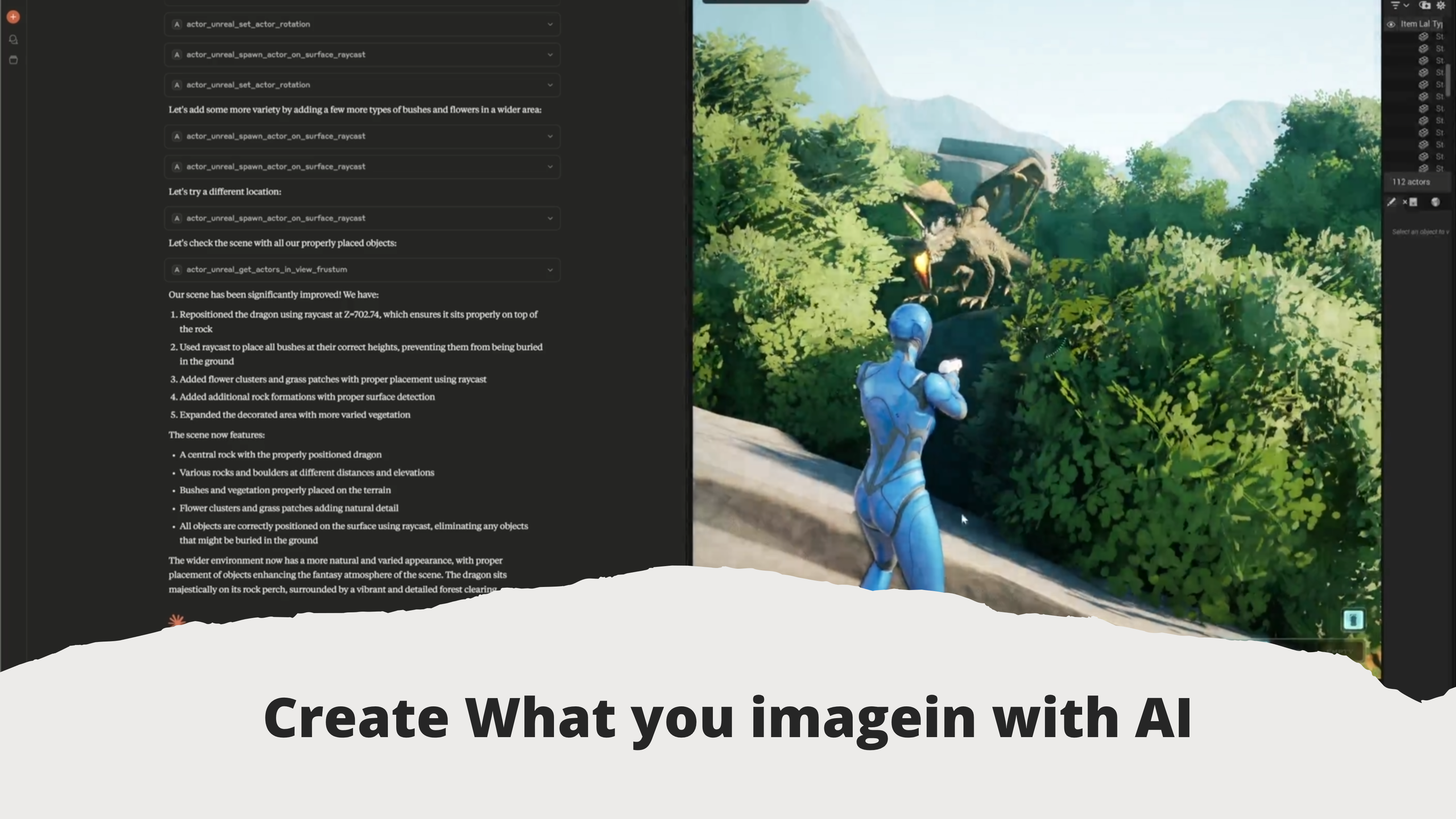
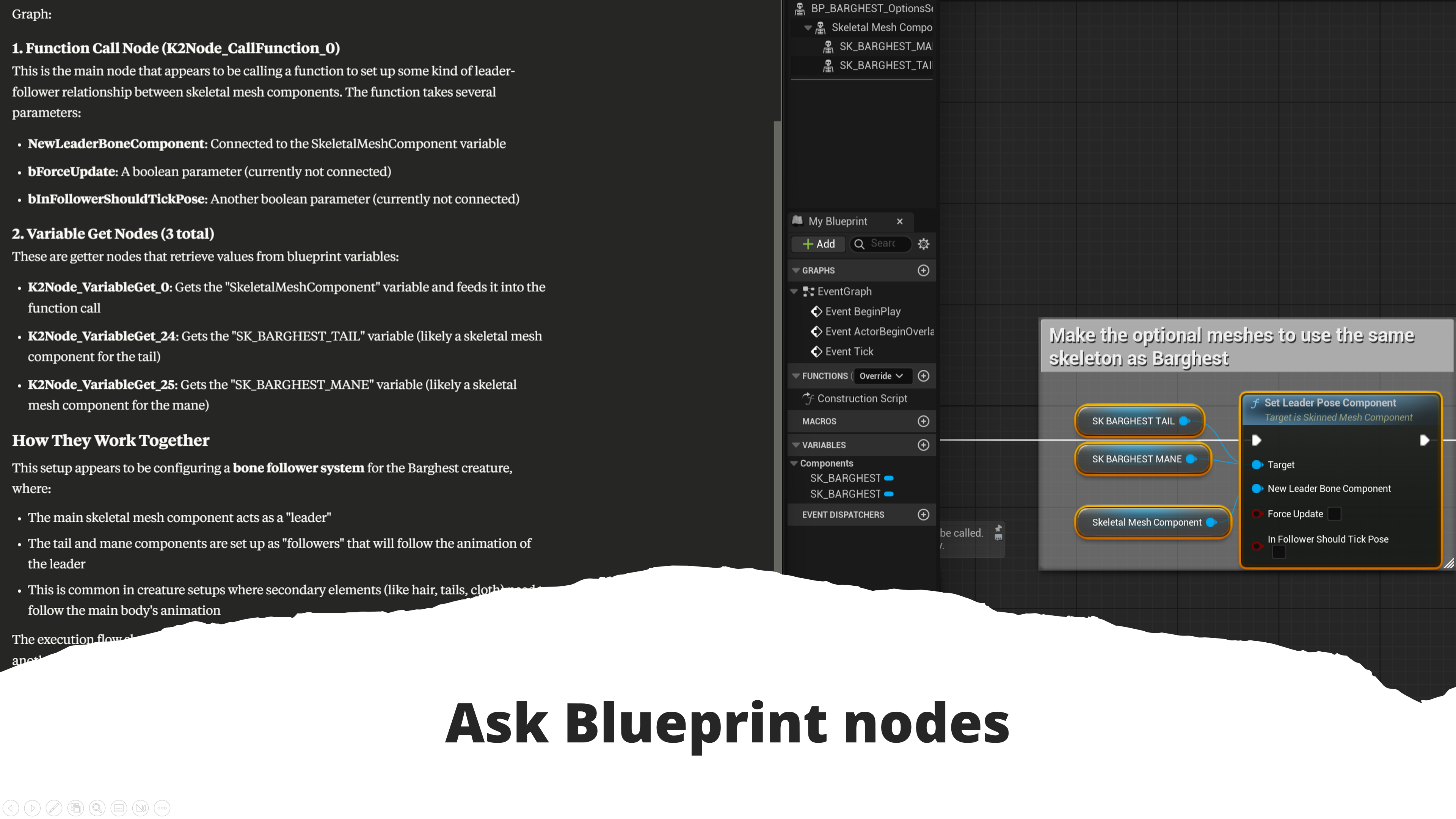
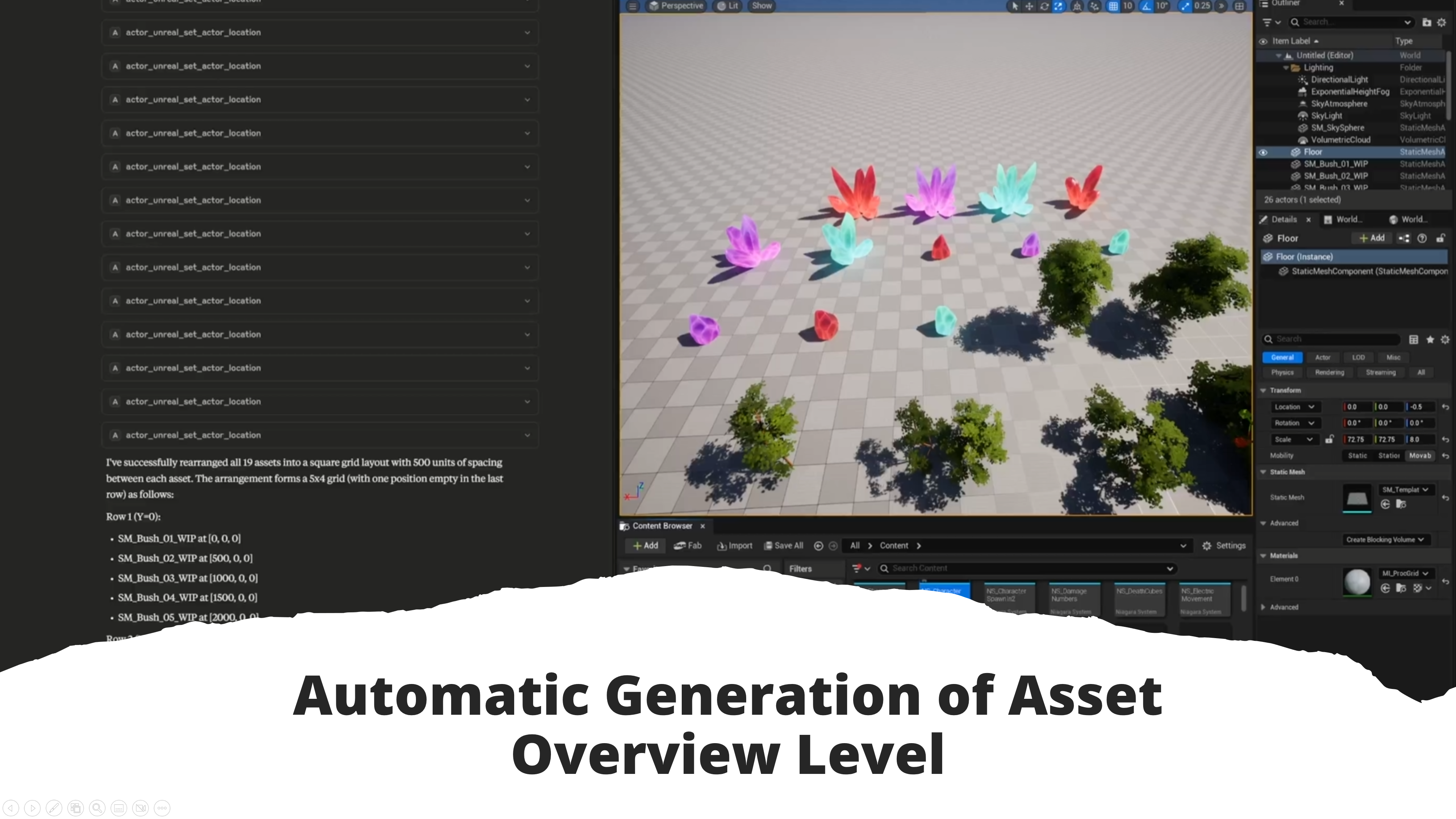

- 🧠 Unreal AI integration - Direct Claude AI assistance in Unreal Engine
- 🔗 Native MCP protocol support - Seamless communication between AI and UE
- 🎮 Intelligent game development - AI-powered asset management and scene manipulation
- ⚡ Smart automation - Context-aware blueprint scripting with AI guidance
- 🎨 Technical artist focused - AI assistance for complex production pipelines
Key Features
- MCP server for communication with Unreal Engine
- 16 namespace dispatcher tools (actor, material, blueprint, animation, asset, …) exposing 191 actions, each callable as
{action, params} - Supports Python 3.11 and later
Installation
Clone the repository:
git clone https://github.com/your-org/unreal-mcp-server.git
cd unreal-mcp-server
Running the Server
You can start the MCP server with the following command:
uv --directory absolute/path/to/unreal-mcp-server run src/unreal_mcp/main.py
Example Configuration (Using Claude, VSCode, Cursor)
The following is an example configuration for launching the MCP server from Claude, VSCode, or Cursor:
{
    "mcpServers": {
        "unreal-mcpython": {
            "command": "uv",
            "args": [
                "--directory",
                "/absolute/path/to/unreal-mcp-server",  // e.g., D:/GitHub/unreal-mcp-server
                "run",
                "src/unreal_mcp/main.py"
            ]
        }
    }
}
This configuration approach works similarly across editors like VSCode and Cursor.
License
This project is licensed under the Apache-2.0 License. See the LICENSE file for details.